Less routine.More time for yourself.
All your students, lessons, payments and homework in one dashboard. From anywhere in the world, on any device.
Create your dashboard- Computer
- Tablet
- Phone
- From any country
Built in Poland by Ukrainian developers · Data protection in line with GDPR
Homework submitted
Sonia Kovalchuk — “250-word essay”
Sound familiar?
Now
- Your schedule lives in notes and in your head
- Payments sit in a spreadsheet you have to keep updating
- Homework gets lost in chats
- Parents ask every day: “Have we paid?”
Sivana keeps everything in one place
- Your schedule is always in front of you
- Every student’s balance is calculated automatically
- Homework is submitted and checked in the dashboard
- Parents don’t need to ask — they see their child’s schedule, payments and homework
Teaching students in different countries? Plan lessons across time zones and keep balances in UAH, USD, PLN, USDT and USDC.
Everyone sees exactly what they need
Choose who you are and take a look at your dashboard.
For teachers
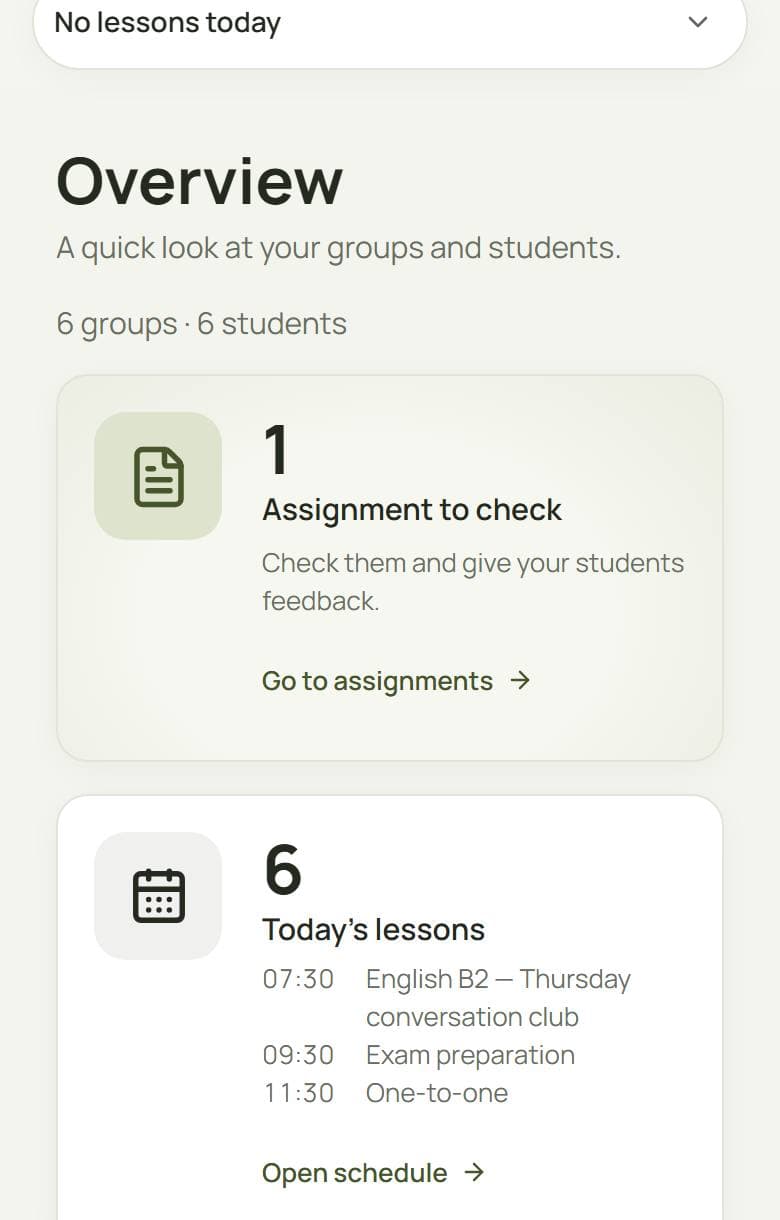
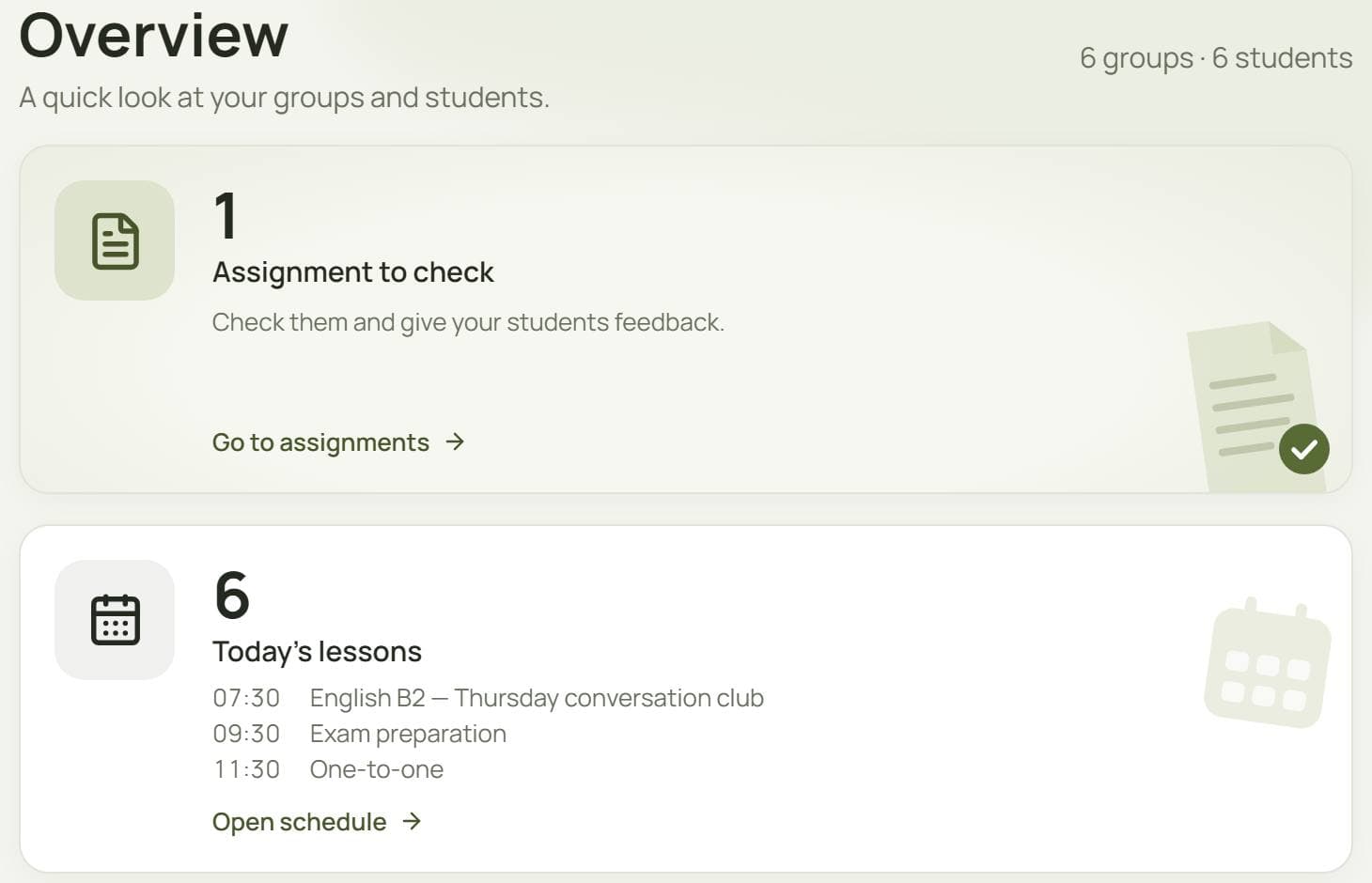
All your students, lessons and payments on one screen
- A schedule with recurring lessons and drag-and-drop rescheduling
- Who has paid how much and who has an outstanding balance — without spreadsheets
- Homework, materials and an interactive whiteboard
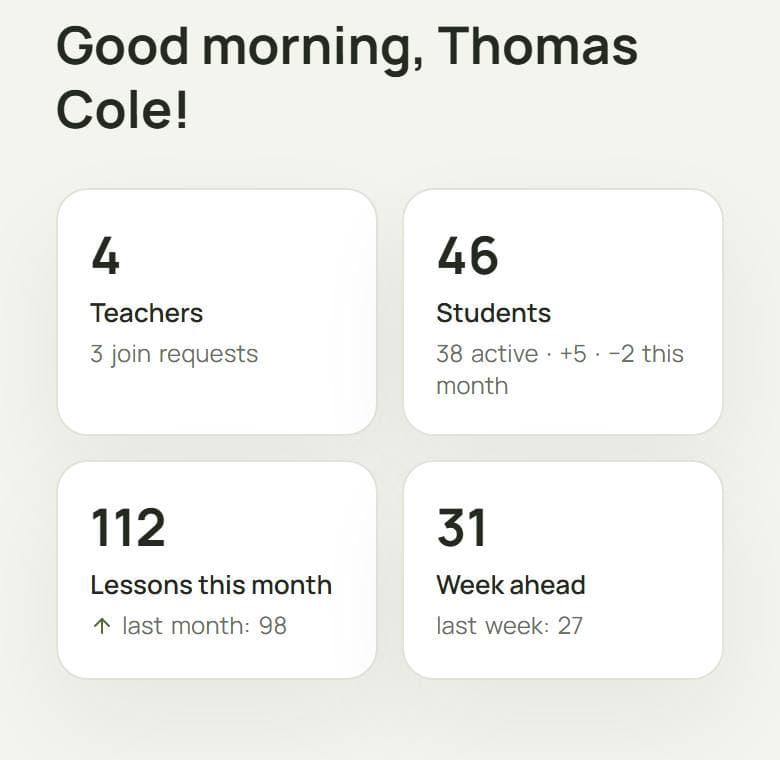
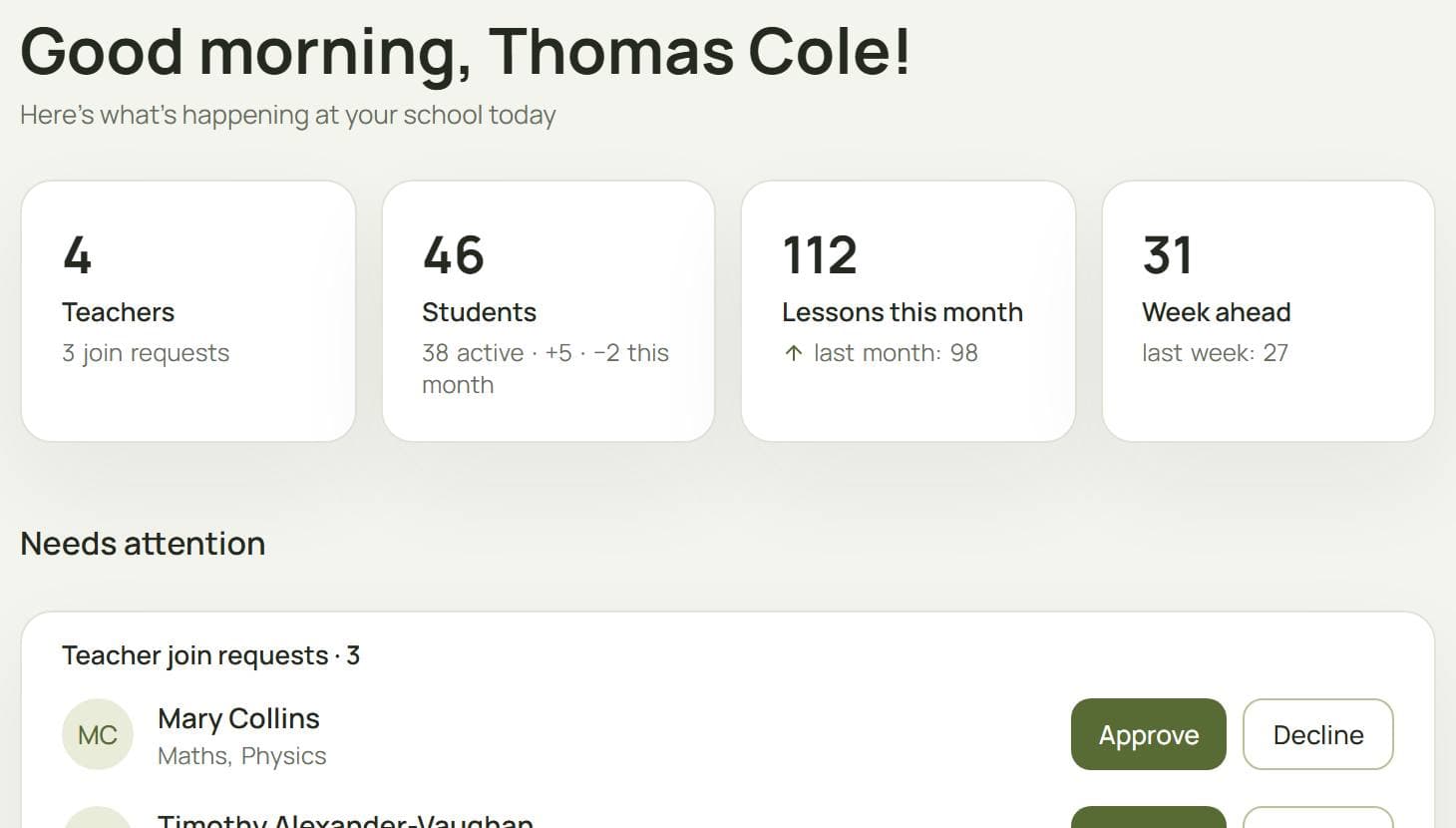
For schools
Less routine — more time for teaching
- Teachers, students and groups in one dashboard
- Teacher activity and completed lessons
For students
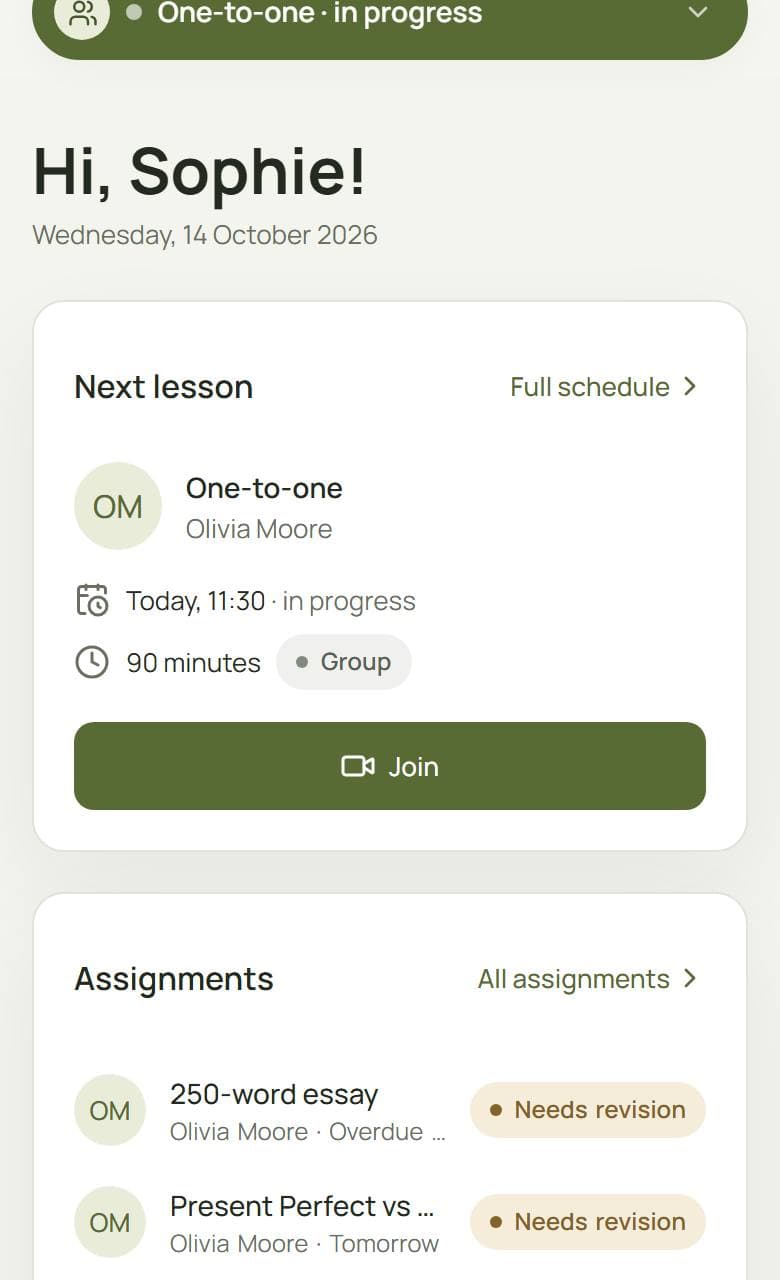
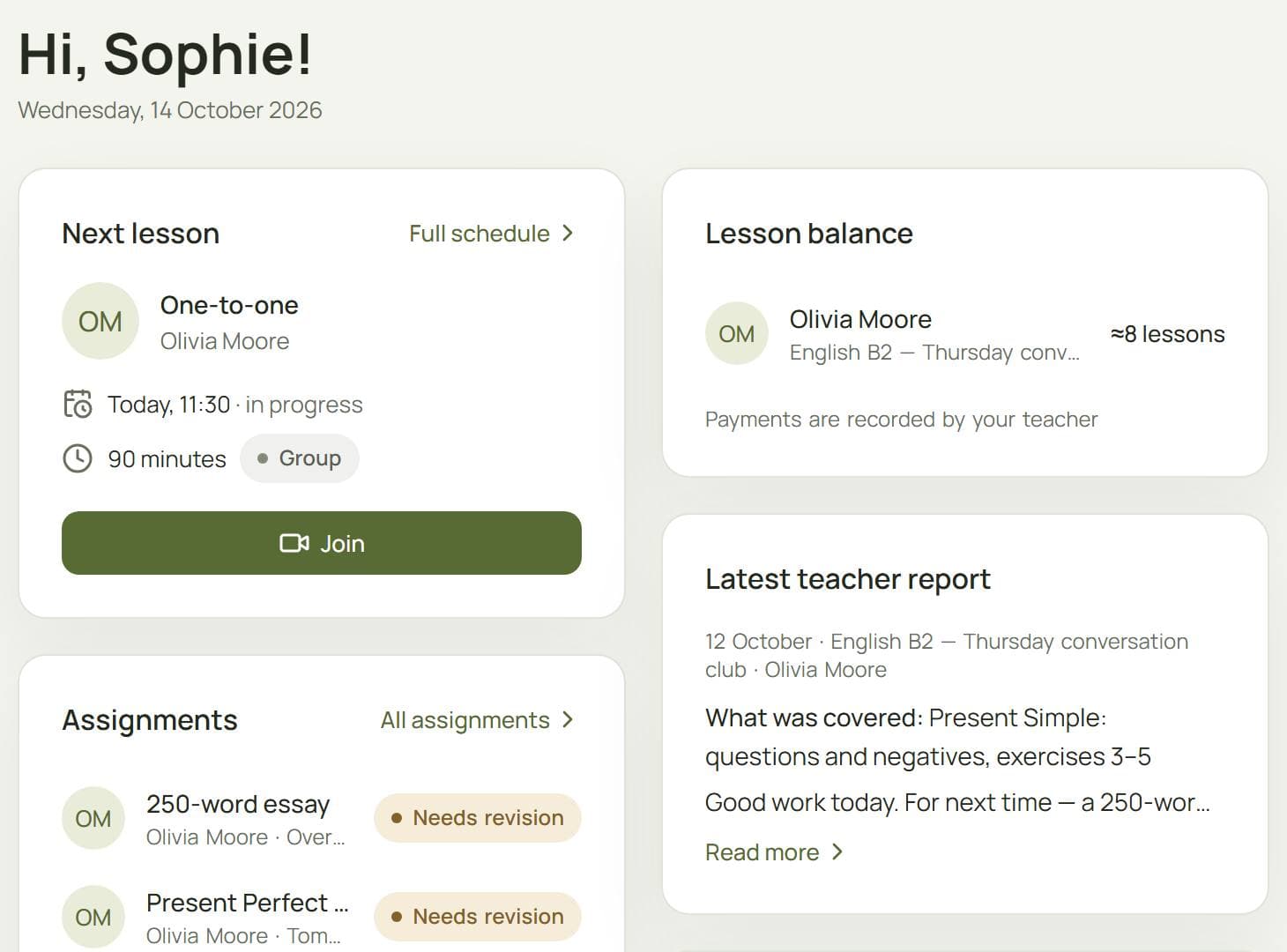
Nothing to organise — it’s all in your dashboard
- Lesson and deadline reminders
- Submit homework right in your dashboard
- Materials from your teacher in your dashboard
For parents
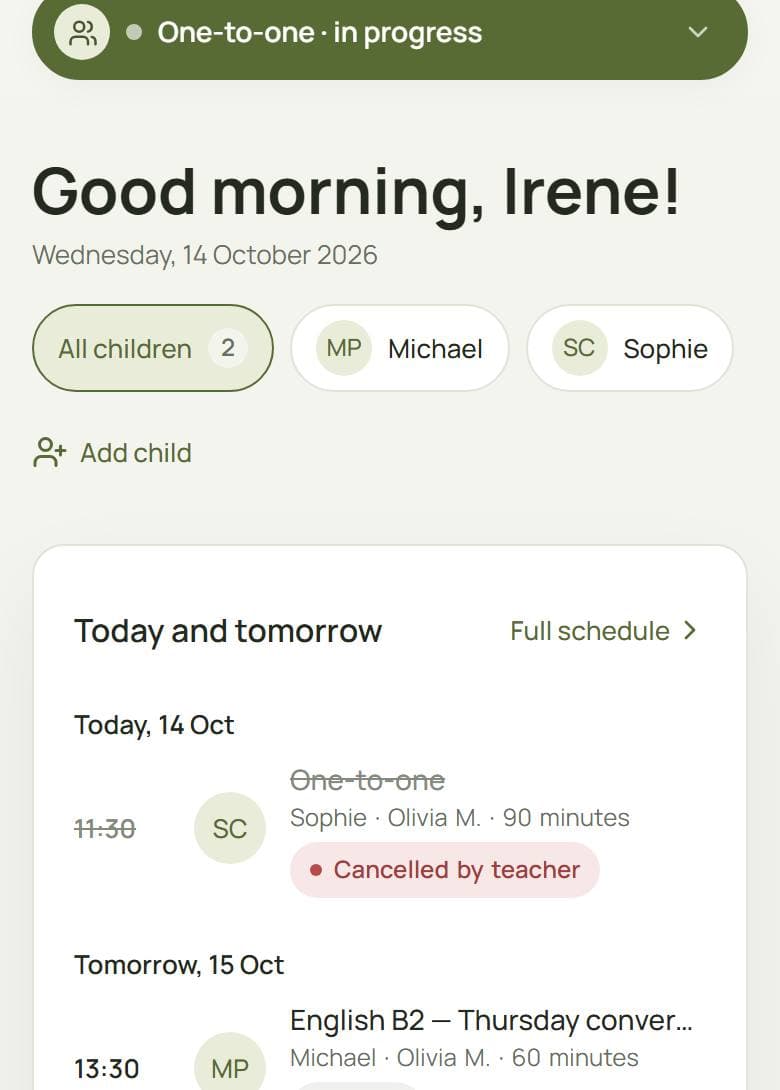
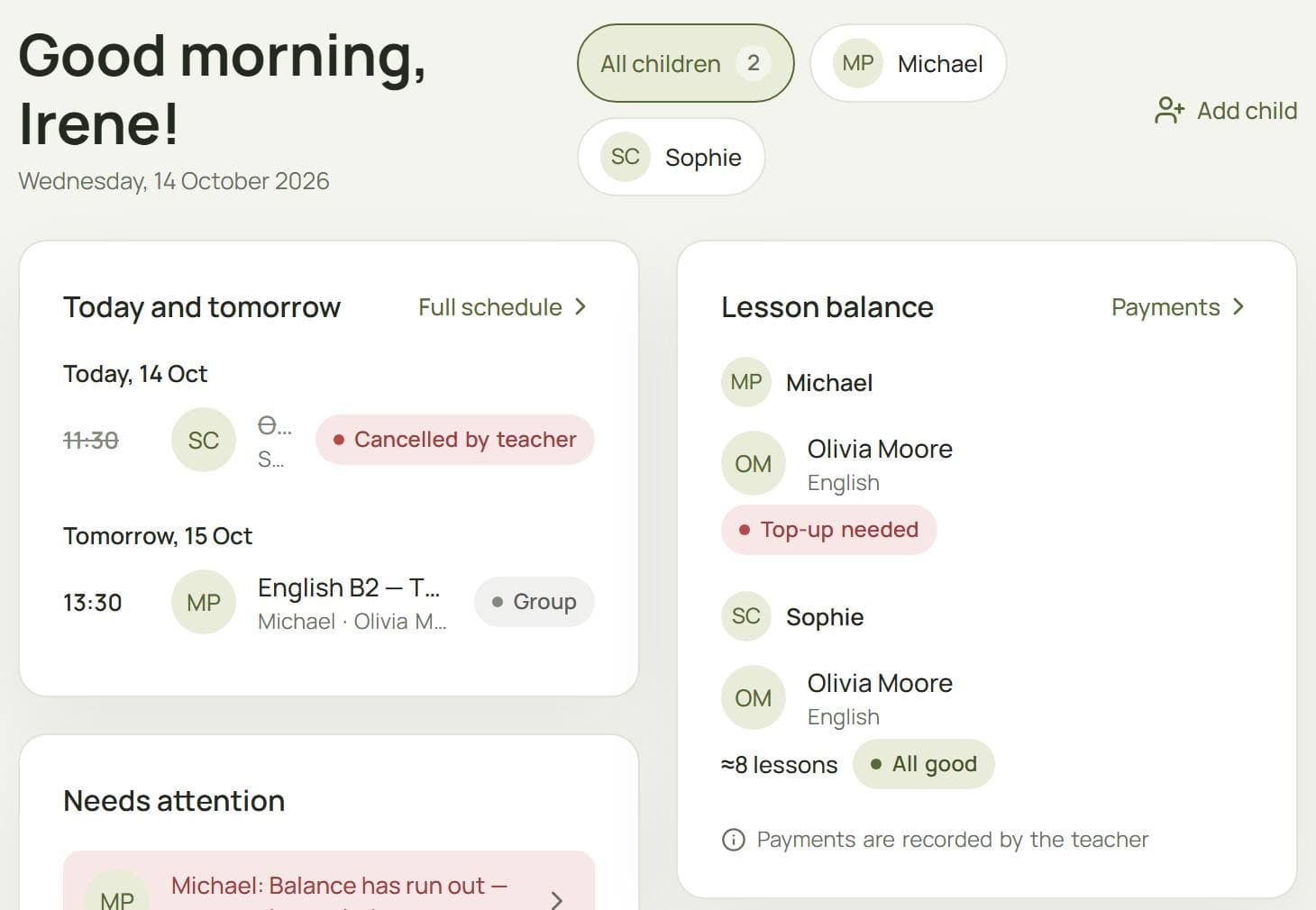
Parents don’t need to ask
- See at a glance when the next lesson is
- Clear payments and balance
- What was covered and whether the homework is done
Everything for your lessons in one dashboard
No spreadsheets, notes or a dozen chats.
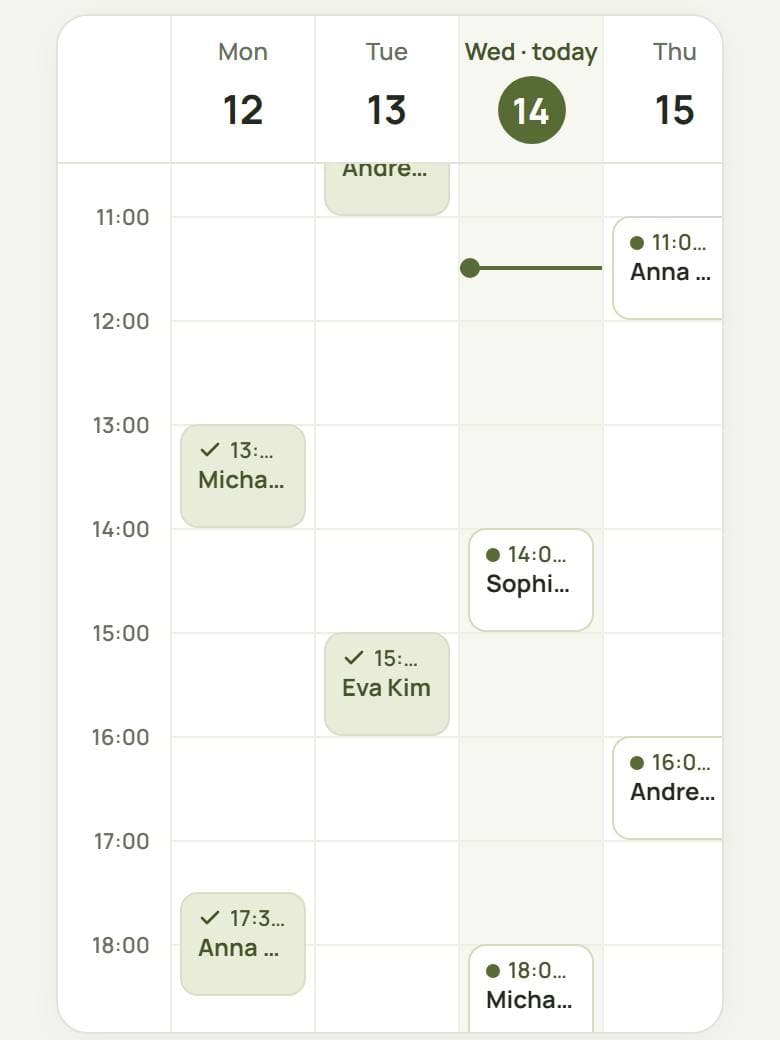
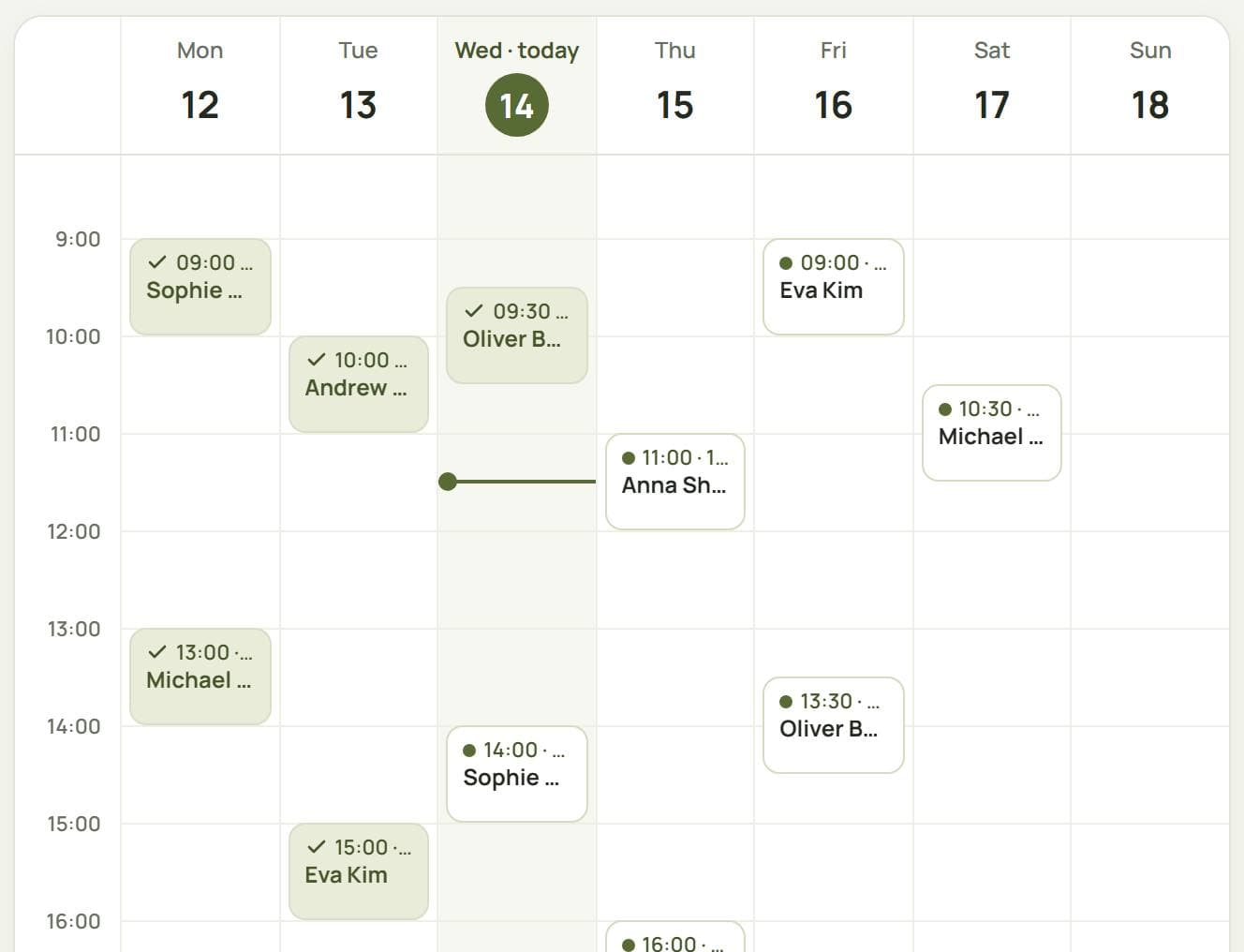
Schedule
A schedule you don’t have to keep in your head
One-to-one and group lessons, weekly repeats, drag-and-drop rescheduling. Students’ time zones are taken into account automatically.
Payments
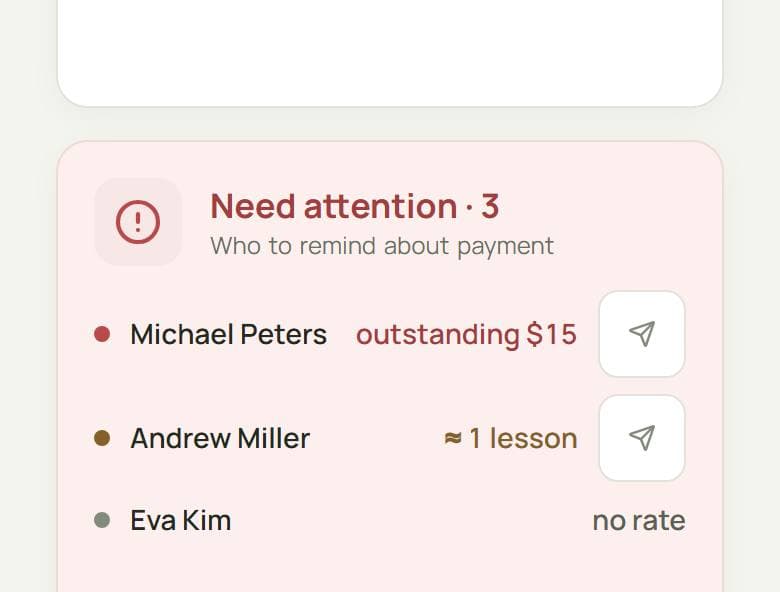
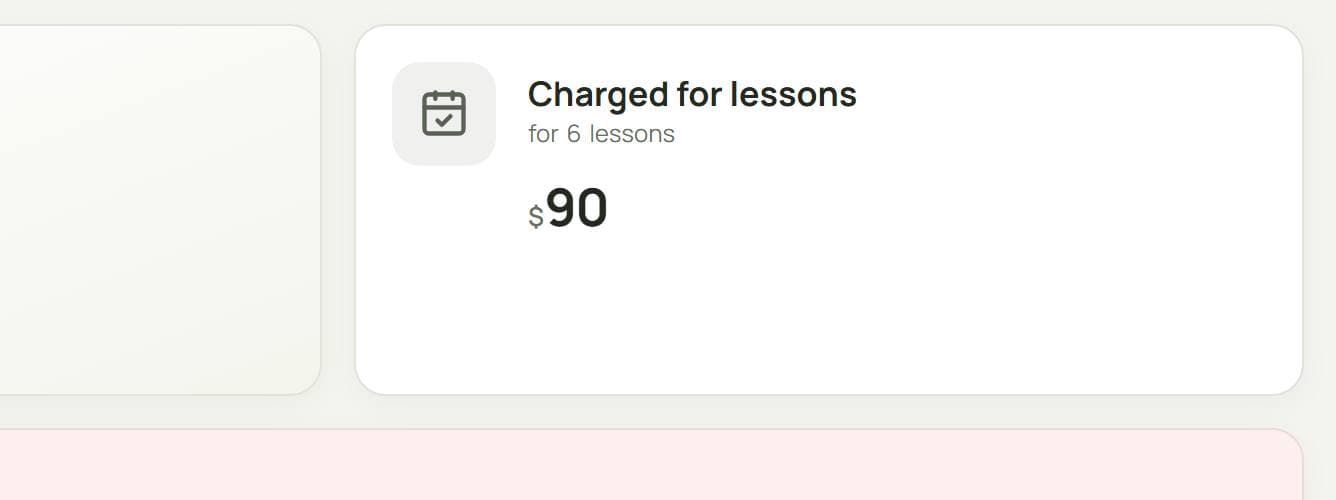
See at a glance who has paid and who hasn’t
Every student’s balance is calculated automatically: mark a lesson as completed and it’s charged. Remind students who have an outstanding balance or are running low on balance with a single “Remind” button. Students pay in crypto? Keep their balance in USDT or USDC.
Homework
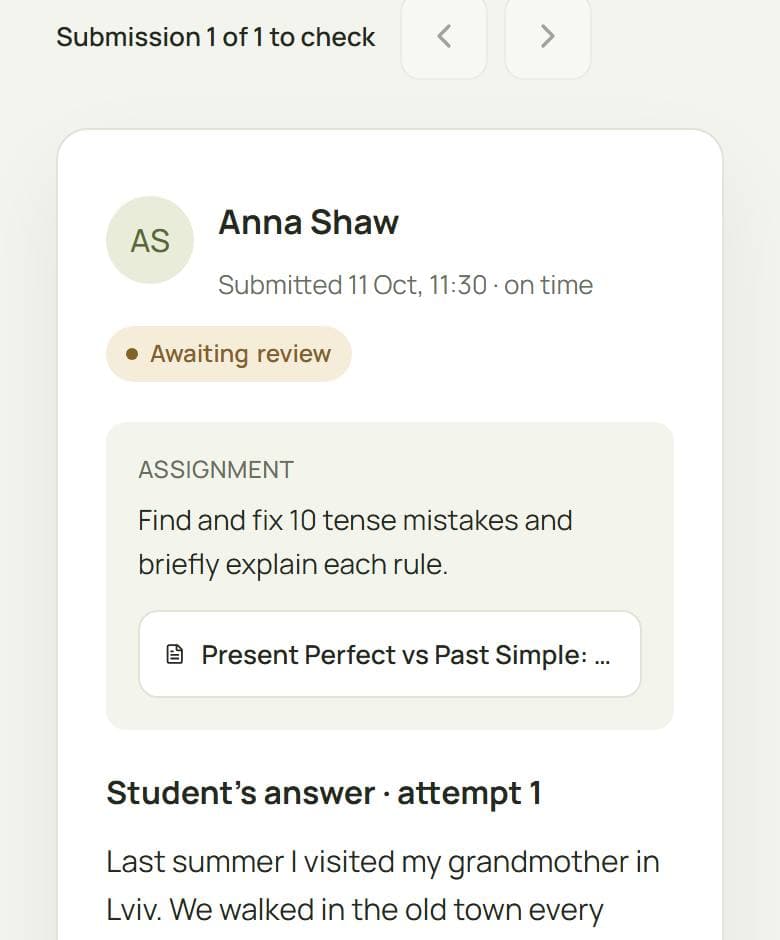
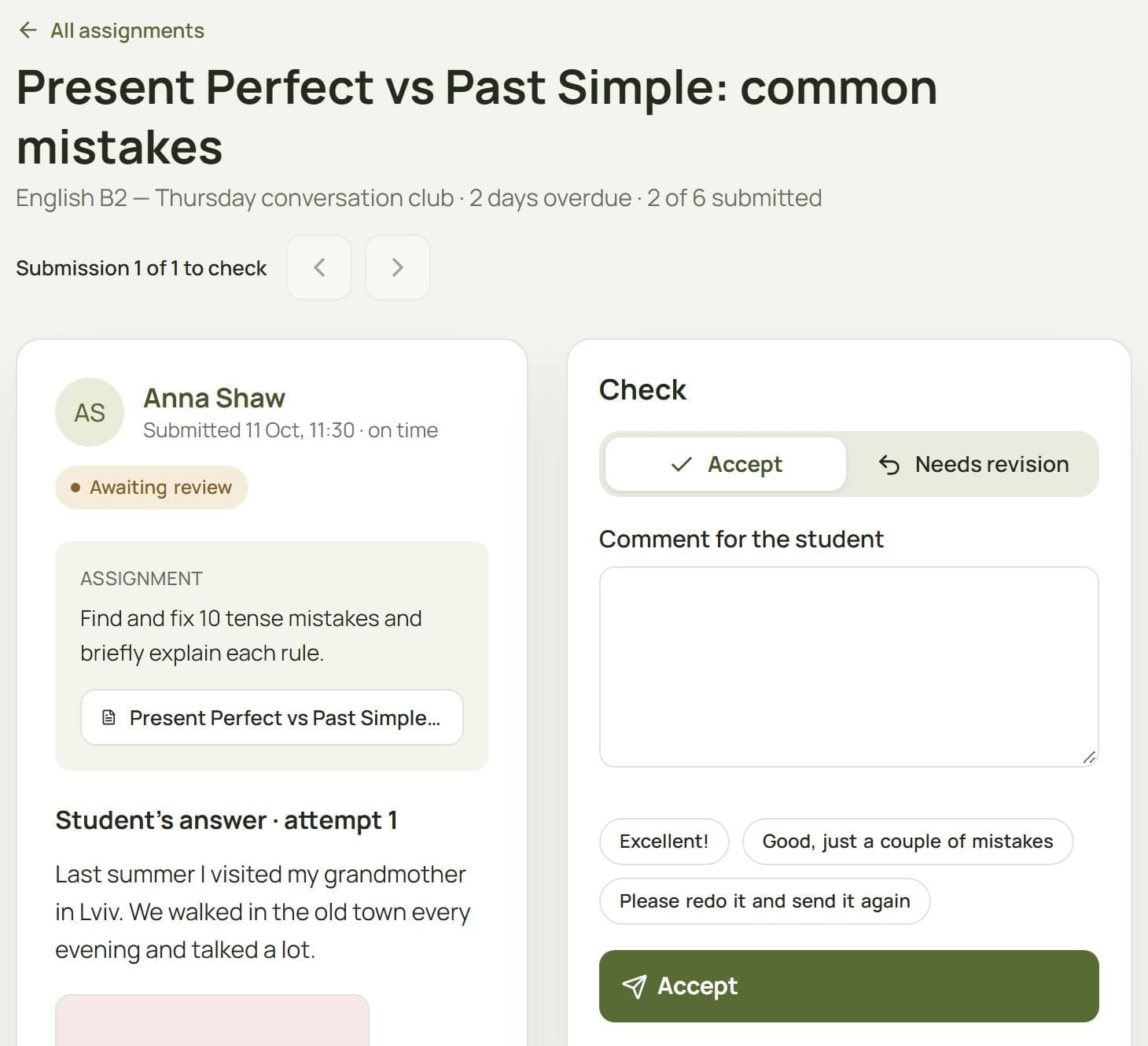
Homework without chats and screenshots
Set homework with materials and a deadline; the student submits it in their dashboard with files, and you accept it or return it for revision. Everything is kept in the student’s history.
Show all featuresCollapse
Schedule
- Week and month views
- One-off lessons and weekly series
- One-to-one and group lessons
- Video call link on each lesson
- Rescheduling by drag and drop or in a dialog
- Cancellation rules: how many hours in advance a lesson can be cancelled and how many missed lessons are allowed per month
- Marking lessons as completed and attendance
- Lesson report for the student and parents
- Everyone has their own time zone
- “Live lesson”: start, mark and finish a lesson in one window
Payments
- A rate for each student or a shared one
- UAH, USD, PLN, USDT and USDC
- Balance top-ups and adjustments
- A lesson is charged automatically once it’s marked
- Balance in money and in lessons, with “outstanding balance” and “running low” statuses
- Payment history and monthly totals
- Payment reminder — no more than once a day, with editable text
- A “Payments” page for students and parents
Homework and materials
- Homework with materials, a deadline and files
- Student answers with files
- Checking: accept or return for revision
- Homework reminders
- Materials library: folders, PDFs, documents, photos, audio, video, links
- Interactive whiteboard with quizzes and written tasks
- Courses with a syllabus and student progress
Students and parents
- Separate dashboards for the teacher, student and parents
- Groups with a join code and join requests
- Moving students between groups
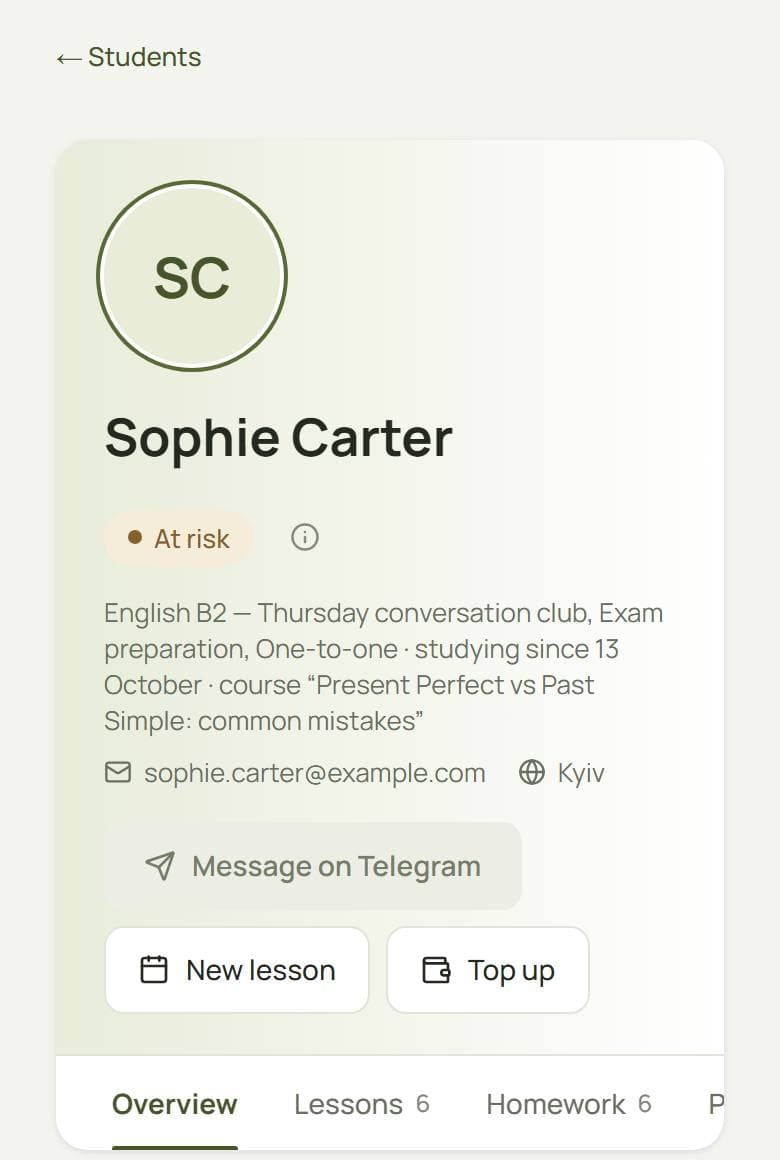
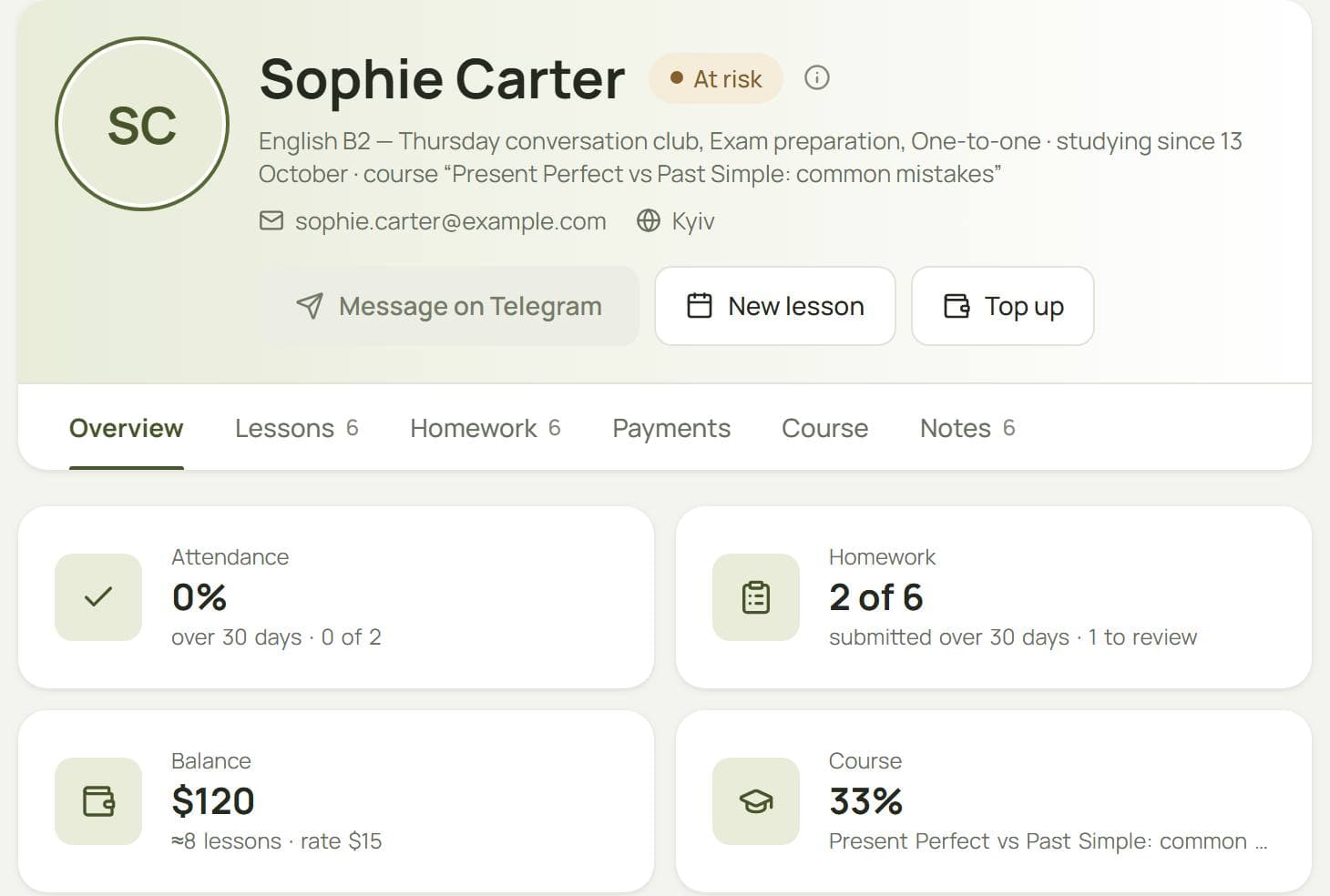
- Student profile with notes and an activity summary
- Parents connect with their child’s code and see the schedule, payments and reports
School
- A school code for teachers, and join requests
- Lists of teachers, students and groups
- Lessons per month, a heatmap and CSV export
- School logo and settings
Notifications
- In-app notification bell — for everyone
- Telegram — if you want it
- For students: an hour before a lesson, rescheduling and cancellations, new and returned homework, due tomorrow
- For the teacher: submitted work, group join requests, a morning summary
- For parents: reports after lessons
- Quiet hours
- Interface in Ukrainian, Russian, Polish and English
How to get started
Create your dashboard
Add students, groups and your schedule — recurring lessons are created automatically.
Invite students and parents
Students sign up and join a group with a code, parents with their child’s code. They see their schedule and homework straight away.
Teach
Sivana keeps payments, homework, materials and reminders in order for you.
Telegram reminders — if you want them
Connect Telegram and Sivana will send reminders there. You choose which ones.
- Lesson reminder
- Morning summary
- Payment reminder
Homework submitted
Sonia Kovalchuk — “250-word essay”
Payment reminder
Hello! This is a reminder about payment for lessons (Misha Petrenko): balance −$15. Rate: $15 per lesson. Thank you!
— Olga Myronova
Your data is protected
We build Sivana in Poland and follow European data protection rules.
Built in Poland by Ukrainian developers
In line with GDPR
The Privacy Policy and Terms of Use are open and easy to understand.
Everyone sees only their own data
Parents see only their own child, students only their own lessons.
Notifications under your control
You decide what is sent and where.
Data deletion
Delete your account and get a copy of your data in Settings.
No ads
We don’t show ads and don’t sell data.
Data in the EU
The database is in Ireland.
Frequently asked questions
Is Sivana right for a private teacher?
Yes, that’s who it’s made for first of all. Even if you have just a few students, your schedule, payments and homework are in order right away.
What about a small school?
Yes. Choose “School” when you sign up: teachers join the school with a code, and the admin sees teachers and the school’s students, groups and lessons; a teacher’s private students are not visible to the school.
Do I need to install anything?
No. Sivana works in the browser — on a computer, tablet and phone.
How do I connect students and parents?
Send students the group code: they sign up and join the group, and you approve the request. Parents connect with their child’s code. You can sign up from the age of 16.
Is it safe to store students’ data?
The database is in Ireland (EU). Everyone sees only their own data: a student sees their own lessons, parents only their own child. No ads, and we don’t sell data. You can delete your account and get a copy of your data in Settings.
Which languages is Sivana available in?
The interface is available in Ukrainian, Russian, Polish and English.
You teach — Sivana takes care of the rest
Create your dashboard, invite your students — and forget about spreadsheets and notes.
Create your dashboard